
MATS Portal
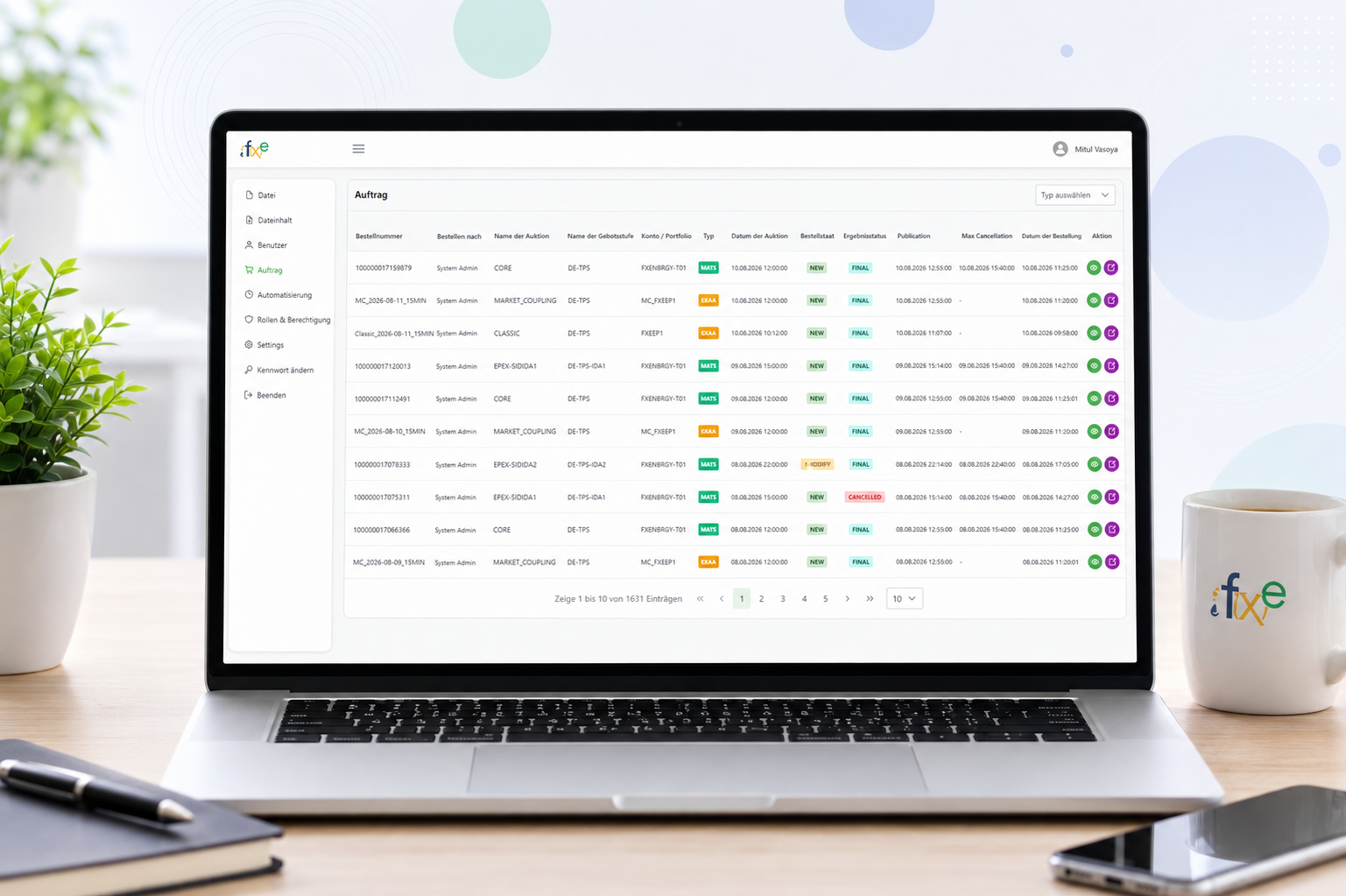
Automated Auction & Order Management Platform
MATS Portal is a web-based order management and automation platform designed to streamline the process of importing order data, submitting orders to the MATS auction platform, and retrieving auction results. The system supports multiple user roles with permission-based access and provides configurable job automation for scheduled business processes.
The objective of MATS Portal is to automate the complete order-to-auction workflow, minimizing manual intervention and improving the reliability and efficiency of order processing. The platform provides a centralized solution for scheduled data processing, automated MATS order submission, and auction result retrieval.
The two systems everything else runs on.
Role & Permission Management
The portal supports multiple user roles with dynamic, permission-based access control, allowing administrators to define which features and operations each user can access.
- Role-based access control
- Dynamic permission management
- User and role management
- Secure access to portal functionality
- Permission-based feature visibility
Dynamic Job Automation
One of the key features of the MATS Portal is its configurable Job Management & Automation Engine.
Users can create dynamic jobs and define when and how each job should execute.
- Create and manage automated jobs
- Configure job execution schedules
- Define different job processing workflows
- Monitor job execution and status
- Maintain job execution history and logs
Three jobs, each fully automated on its own schedule.
Read Order Data
The scheduled job automatically connects to a configured network drive and reads order information from Excel files, then validates and processes the data.
Network Drive
Excel File
Order Data Extraction
Submit Orders to MATS
Once order data has been extracted, the system automatically submits the orders to the MATS auction platform through the configured integration.
Excel Order Data
Validation
MATS Order Submission
Retrieve Auction Results
A separate automated job periodically fetches auction results from MATS, processing them for use within the portal.
MATS Auction Platform
Result Fetch
MATS Portal
The full pipeline, unattended from trigger to result.
This is what runs, on schedule, without anyone touching it.
1
Scheduled Job
The automation engine triggers the job on schedule.
2
Network Drive
The job connects to the configured network location.
3
Read Excel
The order file is located and opened.
4
Extract Order Data
Order records are parsed out of the file.
8
Store & Display Results
Results are saved and made visible in the portal.
7
Fetch Auction Result
A separate scheduled job retrieves the outcome.
6
Auction Processing
MATS processes the submitted order through auction.
5
Submit Order to MATS
Validated orders are sent to the auction platform.
Everything a scheduled, unattended pipeline needs to be trusted.
Web-Based Management Portal
A single place to configure, monitor, and audit every job.
Multiple User Roles
Access scoped to what each person actually needs to do.
Dynamic Permission Management
Permissions defined and adjusted without a redeploy.
Configurable Job Automation
Jobs defined once, run reliably on their own schedule.
Scheduled Job Execution
No one has to remember to run it — it just runs.
Network Drive Integration
Connects directly to where the source files already live.
Excel File Processing
Reads existing spreadsheets — no format migration required.
Automated Order Extraction
Order records pulled out with no manual re-entry.
MATS Auction Platform Integration
Direct submission to and retrieval from the MATS system.
Automated Order Submission
Validated orders sent without anyone pressing submit.
Automated Result Retrieval
Auction outcomes fetched and stored automatically.
Job Execution Monitoring
Live visibility into what ran, when, and how it went.
Processing Logs & History
A full audit trail for every job that's ever run.
Error Handling & Process Tracking
Failures are caught and visible, not silent.
Ready to Build Your Next Big Thing?
Let's discuss your idea and turn it into a powerful digital product.